Back
Autocad Draftsman/Architeture Revit
Year: 2020
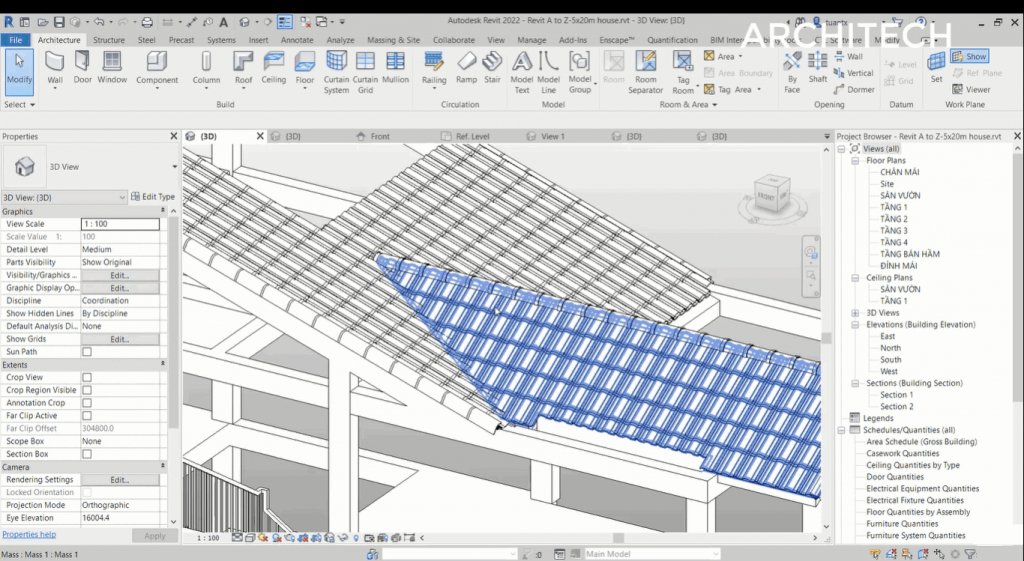
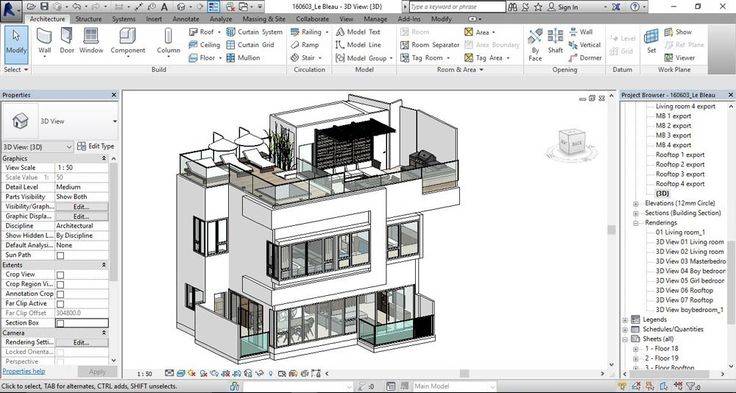
[1] BIM Execution Plan: a contractual document which defines the design standards, software and all executive methods according to which the BIM order must be developed. [2] Level of Development: the level of development and detail of the 2D and 3D elements of the project. [3] BIM Use: the use of the model once finished (e.g. for Rendering, for Constructive, for metric calculation, etc.) [4] URS (Unique Reference System): an empty Revit file containing only the project coordinates, grids, and levels shared for all disciplines and buildings in the project. This file is initially loaded into the template to set Coordinates, Grids and Levels for each discipline and building. [5] Federated Model: a coordination model (potentially also empty) containing the models that make up the project in its entirety between disciplines and building parts. [6] GIS (Geographic Information System): a system capable of associating data with their geographical position on the earth's surface. ● Revit Architecture is a parametric and multidisciplinary design software that can virtually create and insert any building within a BIM process. Revit is not a true modeler. ● It's a complete BIM (Building Information Modelling) is a process/technology/ platform and Revit is one of the software of AUTODESK ● Projects of a certain BIM depth have specified provisions within the BEP (BIM Execution Plan) ● A document that greatly supports the design process while outlining the objectives, ● The LoD (Level of Development) ● BIM Use of the project. ● Single Discipline Design: there is no specific setting, one Revit file is enough. ● Multi-Discipline Design: decide whether to model all disciplines using the same file or separate them into different files. Single-file modeling should only be used for very small projects. Otherwise, it’s better to have a URS [4] coordination file with shared coordinates. ● Design of multiple buildings in the same lot: each building has its own package of files (one for each discipline) and all files are stored inside an empty Revit file (Federated Model [5]). A URS coordination file and shared coordinates are required. ● Grids and Levels ● If we have a URS file, we can bypass the creation of grids and levels by using the Copy / Monitor tool, allowing us to automatically copy the pre-established grids and levels (theoretically by the project leader) in the URS file and monitor their eventual change(s). ● Even without this type of support, we still have the option of creating our grids and levels manually. ● Conclusions ● After following these steps and precautions, our Revit file will be ready to use, ensuring multidisciplinary information consistency. ● Correctly configuring the file’s parameters before modeling is an essential step in obtaining concrete and precise results.
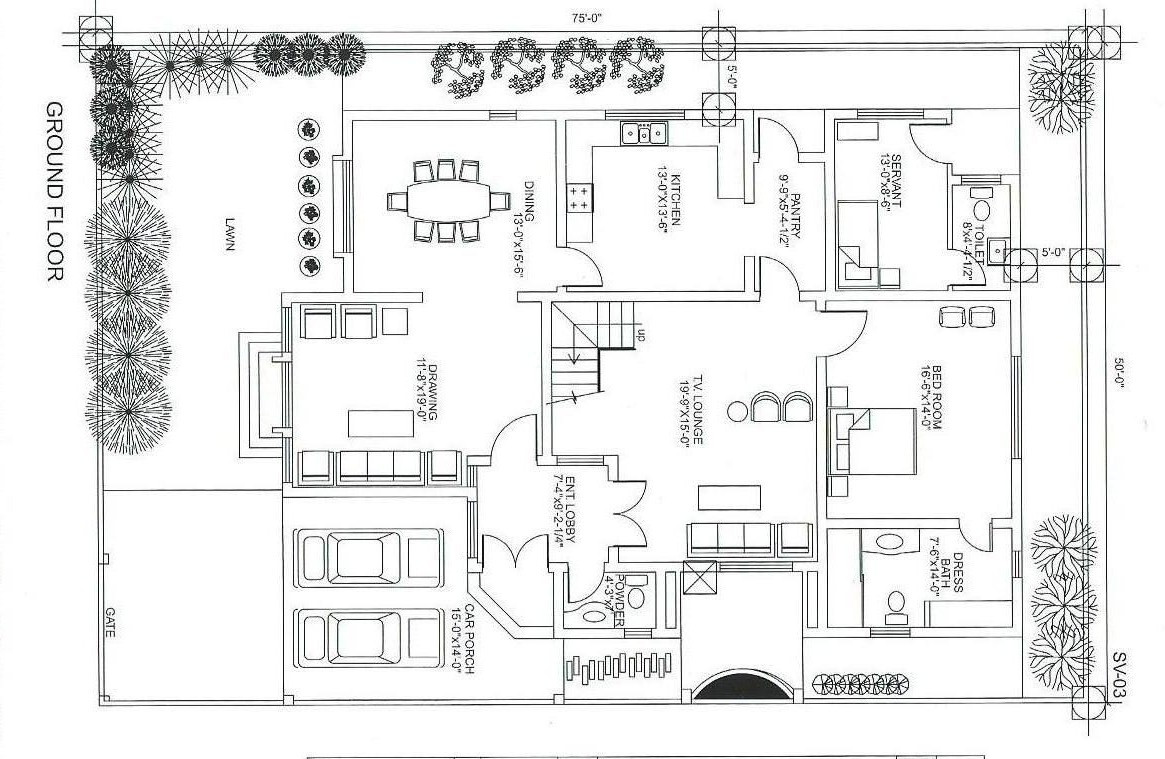
GROUND FLOOR 75X50 FT
1. Export your Base Plan to DWG (just the unit boundaries) 2. Create a Detail Component. File... New... Family... Detail Component.rft 3. Import your Base Plan. File... Import... DWG 4. Add a Yes/No Parameter for each unit or quadrant. Family Types... Add Parameters... Type Yes/No... Set Instance Parameter... give each unit or quadrant a name. 5. Draw Filled regions for each unit or quadrant of your Base Plan and assign each one a Yes/No Parameter. To do this go to the Filled Region's properties and you'll find a Visibility check box. At the far right there is a tiny grey box. Click on it and select your new Yes/No Parameter as the parameter that defines the visiblity. Do this for each filled region. 6. Now load your new Detail Component into a Legend View in your project and set the appropriate scale.
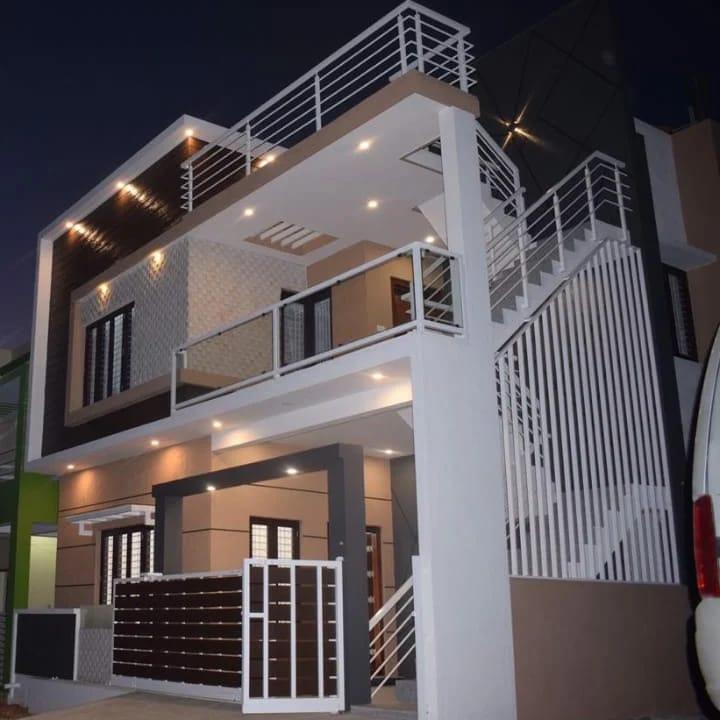
AutoCAD Drawing Plan Pubilc House
• Generated technical drawings using a computer aided drafting system (AutoCAD). • Managed to draft and plot conceptual and final plans. • Organized and maintained files for all facilities and project documentation. • Supported the gathering, recorded and maintained engineering specific information. • Partnered with internal personnel for project designs. • Structured layouts and sketches for the presentation of design tender. • Worked with production and planning group to layout proper designs. • Created and maintained plan sand drawings. • Maintaining strong and cordial relationships with corporate level designers and team managers. • Developed 3D model as per project requirements. • Coordinated with construction team to develop new CAD drafts. • Recommended design changes to existing construction plans. • Maintained documents of revised construction details. • Ensured that base plans are in accordance with code compliance. • Participated in preparation of plot plans and survey drawings. • Developed complex project design specifications. • Provided multiple project design support. • Guided and mentored junior staff members as required. • Handled both large and small-scaled drafting projects. • Develop deficient designs in collaboration with CAD operators.
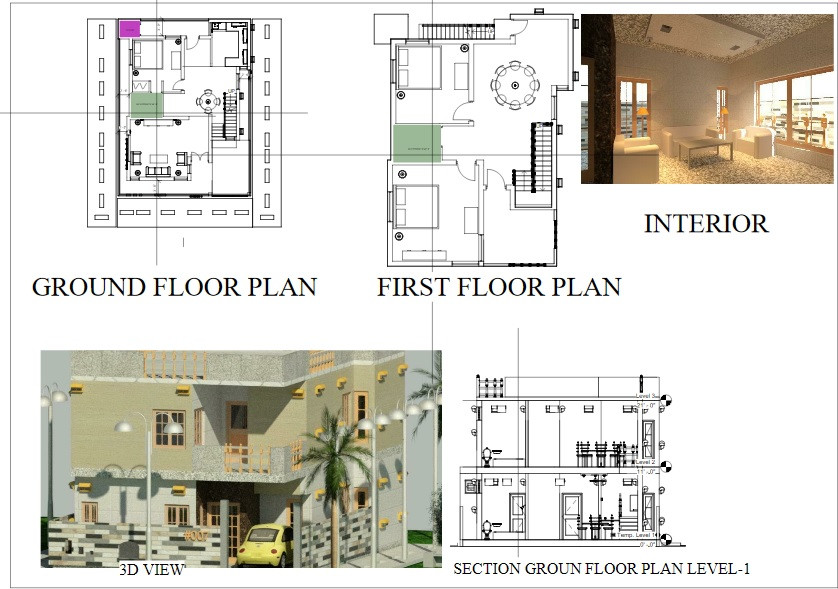
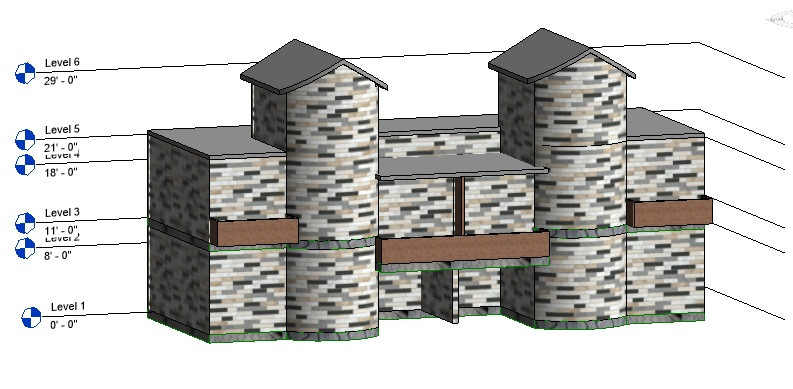
Levels in Architecture Revit
mezzanine revit floor plan levels tags

Abdul Zamirul Hassan
More by Abdul Zamirul Hassan
View profile Arch Hive